
Quick Summary
When an automatic gate is not opening, identifying whether the failure stems from tripped electrical breakers, obstructed safety sensors, dead remote batteries, or mechanical binding is essential for restoring access safely. Homeowners can independently perform basic troubleshooting like cleaning photo-eyes and clearing track debris, but complex mechanical or electrical component failures require professional intervention from experts like Ironworks Gate Co. This guide equips property owners to safely inspect and manually release their gates while providing direct access to Ironworks Gate Co. for upfront written pricing, same-day repairs, and 24/7 emergency service.
Automatic Gate Not Opening: Practical Troubleshooting Guide
When an automatic driveway gate refuses to open, identifying why the system stopped responding is the first priority. Possible causes include power failure, control failure, mechanical binding or drive failure, blocked or misaligned safety sensors, and remote or control-input problems.[4]
Before attempting any checks, keep safety front of mind. Automated gates are heavy motorized machines. According to the U.S. Consumer Product Safety Commission (CPSC), an estimated 1,500 emergency-room injuries involved automatic gates between 2011 and 2015 (about 300 annually). This data tracks hospital emergency-room injuries rather than mechanical failure rates or gate non-opening frequency, but it underlines a basic rule: never force a motorized gate arm or place your hands near drive chains, hinges, or pinch points while the operator is powered.[1] See also Automatic Gate Not Working – Call Now-10% Off – Same-Day Service – Free Estimate.
Warning: Never bypass or disable safety sensors. As noted by the team at Ironworks Gate Co., contact a qualified technician when the gate binds, will not move freely, has electrical damage, or presents an entrapment risk.
Note: Engineering examples involving dam gates and toll lanes from research material serve only as broader contextual examples and should not be used as direct evidence about residential driveway gates.
Quick Inspection Checklist: What to Check First
Before inspecting equipment, run through these baseline checks:
- Look for physical blockages: Check the ground track, swing path, and surrounding area for debris or obstacles causing mechanical binding.
- Check the power supply: Verify that the circuit breaker or power source supplying the gate operator has not tripped.
- Examine the safety sensors: Check whether optical sensor lenses are obstructed or misaligned.
- Test multiple access controls: Test a hardwired keypad or wall switch if remote transmitters fail to trigger the operator.
Tools to Keep on Hand
- Clean microfiber cloth (for cleaning sensor lenses).
- Fresh replacement batteries (model-dependent).
- Your operator cabinet key and manual release key or tool.
- A flashlight to inspect dark enclosures.
Step 1: Check Power Feeds and Breakers
If your gate operator shows no sign of operation, a possible cause is upstream electrical power failure.
Power Supply and Breakers
- Main panel breaker: Locate the dedicated breaker for your gate system, switch it off, and switch it back on to reset.
- GFCI outlets and disconnects: (Model- and installation-dependent) If the operator is connected to a GFCI outlet or local disconnect, check whether it has tripped and requires resetting.
- Master power switch: Ensure the operator power switch is in the on position.
Motor Humming or Clicking vs. No Sound
If you hear a click or hum from the cabinet but the gate does not move, power may be reaching the control board while mechanical binding or drive failure prevents movement. Specific component faults such as capacitor or fuse failures are model-dependent.[3]
Step 2: Inspect Safety Sensors (Photo-Eyes and Edges)
Safety photo-eyes are designed to hold the gate open or prevent operation when an obstruction is detected or when sensors are misaligned.
In a 2012 safety compliance audit of 50 electric gates conducted by Gate Safe and reported by Building Magazine, 70% of inspected gates lacked proper safety measures, and only 5% fully complied with safety standards. This audit serves as evidence regarding safety compliance, not operational reliability or failure frequency.[2]
Diagnosing Photo-Eye Faults
Sensor LED indicators and diagnostic light color meanings are model-dependent; consult the manufacturer manual for specific code definitions. General troubleshooting steps include:
- Wipe both lenses clean with a dry microfiber cloth to remove dirt and moisture.
- Clear away any leaves, cobwebs, or foreign objects obstructing the beam path.
- Ensure sensor mounting brackets are firmly aligned directly across from each other.
Step 3: Test Keypads, Transmitters, and Control Inputs
Need automatic gate not opening?
We’re available now - call for a fast, free estimate.
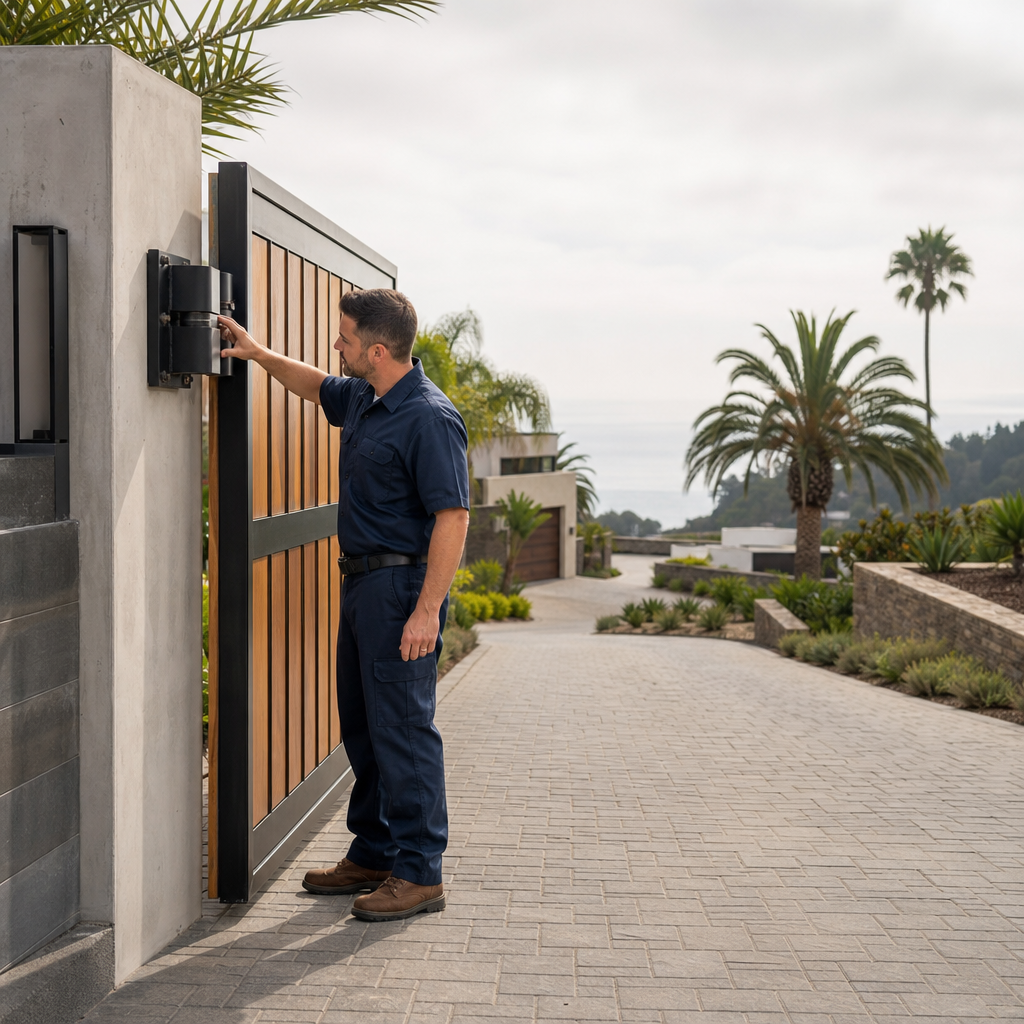
If the operator has power and sensors are clear, verify that control signals reach the logic board.
Remote Controls and Receivers
- Replace remote batteries: Check or replace weak batteries in handheld transmitters.
- Test alternative inputs: Test hardwired keypads, intercom buttons, or alternative access controls to isolate remote or receiver issues.
- Check the antenna: Verify that the receiver antenna is intact, properly positioned, and free of visible damage.
Step 4: Inspect Mechanical Components and Gate Travel
According to technicians at Ironworks Gate Co., mechanical binding or drive failure can stop gate travel.
Sliding Gates
- Track obstructions: Inspect the ground track and clear away dirt, gravel, or debris.
- Rollers and hardware: (Model-dependent) Check for roller binding, bearing wear, or improper chain tension that could prevent free travel.
Swing Gates
- Hinge alignment and binding: Check whether the gate is sagging or dragging against the ground.
- Operator arm: (Model-dependent) Check for physical damage, binding, or obstruction along the arm travel path.
Step 5: How to Safely Open a Stuck Gate Manually
If power fails or the gate must be operated manually, follow these safety steps:
- Keep people and vehicles clear.
- Switch off power if safe to do so.
- Use the operator’s designated manual-release mechanism according to the manufacturer’s instructions.
- Move the gate only if it travels freely.
- Never force the gate or bypass safety devices.
Warning: Never disengage a gate on an incline without properly securing the panel, as it may move uncontrollably under its own weight.
Troubleshooting Summary Table
| Symptom | Possible Cause | Immediate Action |
|---|---|---|
| No sound, no lights on board | Power failure or tripped breaker | Check and reset breaker if safe; inspect power supply |
| Motor hums or clicks, but gate stays still | Mechanical binding or drive failure | Check track and gate path for physical obstructions |
| Gate starts moving, then stops or reverses | Mechanical resistance or safety sensor trigger | Clear debris from path; ensure gate moves freely without force |
| Gate works with keypad, not remote | Remote battery or control-input issue | Replace battery; check remote transmitter and antenna |
| Operator active, but sensors indicate obstruction | Blocked or misaligned safety sensors | Clean sensor lenses; align photo-eyes per manual |
Frequently Asked Questions
Why is my automatic driveway gate not opening?
Possible causes include power failure, control failure, mechanical binding or drive failure, blocked or misaligned safety sensors, or remote and control-input issues.
Why is my gate motor clicking or humming but not opening?
A clicking or humming sound indicates that control signals or power may be reaching the unit, but mechanical binding, drive failure, or model-dependent component faults are preventing gate movement.
How do I check if my gate photo-eye sensors are blocked or faulty?
Check the optical lenses for dirt, debris, or misalignment. Diagnostic LED indicator meanings are model-dependent, so consult the manufacturer manual. Clean the lenses and verify that sensors are properly aligned across the entryway.
What troubleshooting steps should I try before calling a gate technician?
Check the main circuit breaker, clean sensor lenses, test alternative control inputs or replace remote batteries, and check the gate path for physical obstructions. If the gate binds, will not move freely, or has electrical damage, contact a qualified technician such as Ironworks Gate Co.
How do I reset my electric gate opener?
Switch off the main power supply or breaker, then restore power according to manufacturer guidelines. Reset buttons and internal reset procedures are model-dependent; consult your operator’s manual for specific instructions.
Need automatic gate not opening?
We’re available now - call for a fast, free estimate.
Sources
- [PDF] Federal Register/Vol. 84, No. 130/Monday, July 8, 2019/Proposed … – govinfo.gov (2019)
- www.govinfo.gov › content › pkg40100 Federal Register /Vol. 85, No. 129/Monday, July 6, 2020 … – govinfo.gov (2020)
- C:My FilesWaterO&Mbullet02dec2002decO&M.wpd – usbr.gov (2002)
- Help and Advice for Industry Professionals involved … – gate-safe.org
Related reading: How to Open Gate Without Power | Call Now-10% Off | Same-Day Service | Free Estimate
Related reading: Gate Track Repair – 10% Off & Free Estimate – On-Site in 60 Minutes
Related reading: Open Electric Gate Manually – 10% Off & Free Estimate – Same-Day Service
Frequently Asked Questions
What should I do if my automatic gate is stuck closed and the manual release key is missing?
If you cannot disengage the operator using a release key, never force the mechanical arm or pry the gate open, as this can severely damage the motor gears and drive track. Instead, contact Ironworks Gate Co. for 24/7 emergency service so a technician can safely access the internal drive system and restore manual or automated operation.
Why does my automatic driveway gate fail to open during cold or rainy weather?
Cold temperatures reduce transmitter battery output and cause internal gearbox lubricants to stiffen, while moisture and heavy condensation frequently obscure optical sensor lenses. If cleaning the lenses and checking power does not resolve the failure, schedule an inspection with Ironworks Gate Co. to test weather-sealed electrical components and motor capacitors.
How much does professional same-day automatic gate repair cost?
Pricing varies based on whether the fix involves minor photo-eye recalibration, logic board electrical repairs, or major mechanical track restoration. Ironworks Gate Co. offers free on-site assessments with upfront written pricing so property owners know the exact repair costs before any work begins.
About the author
 |
Sarah O’Connor Sarah is a technical writer specializing in home security and access control systems. With over eight years of experience writing for property management and contractor publications, she translates complex mechanical and electrical concepts into clear, actionable advice. She holds a B.A. in Communications from California State University, Fullerton, and frequently consults with certified gate technicians to ensure her content is accurate and practical. |
Gate not opening, off track, or opener dead?
We’re available now - call for a fast, free estimate.
Call Now - Free Estimate